

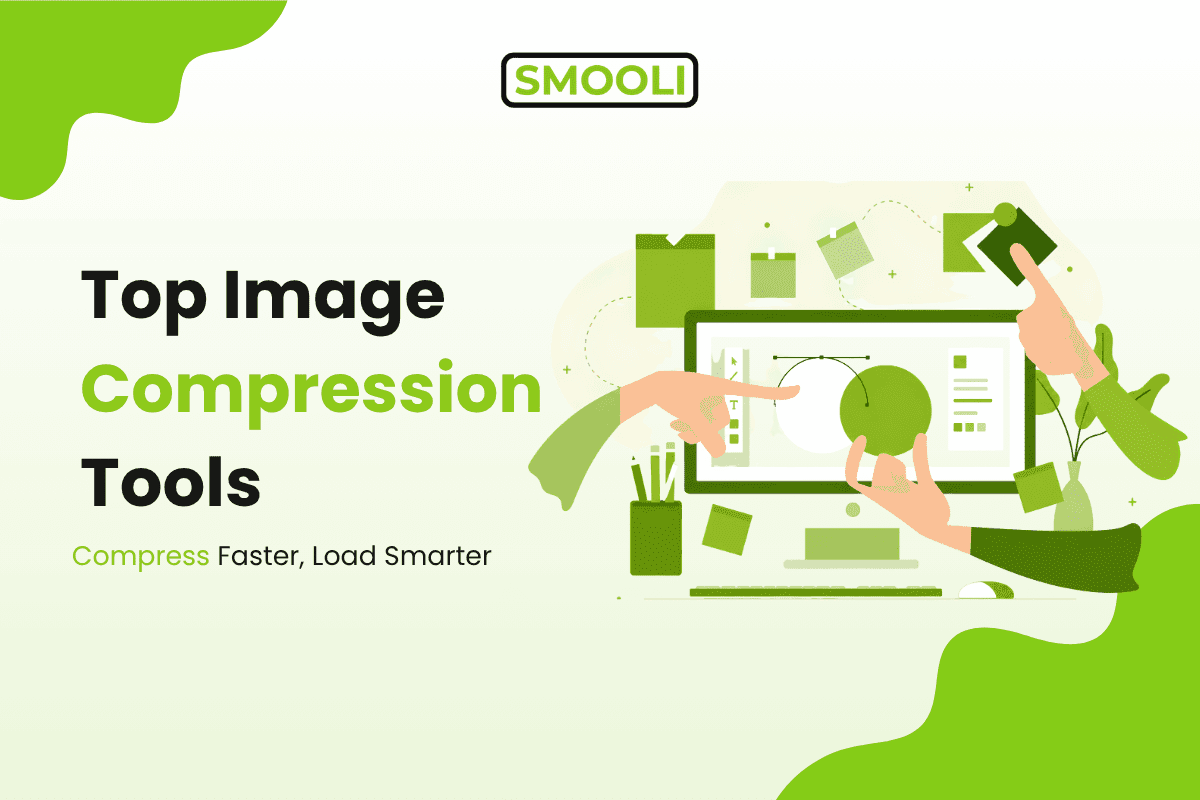
Online Image Compression Tools: Which Works Faster?
Images are the most important elements of modern websites. They help boost user engagement, aid in storytelling, and make content more visually appealing. But huge image files can really weigh down websites, increase storage needs, and negatively impact user experience.
This is where the image compression tools can help.
Online image compressors are great for reducing image file sizes without significantly affecting visual quality. This leads to faster-loading websites, improved SEO performance, and a better user experience across both desktop and mobile devices. Many platforms also combine file and media converters with image optimization tools, making it easier to manage, convert, and optimize digital assets from a single workflow.
With so many options available, one question remains.
What is the fastest online image compressor with the best image quality?
In this guide, we'll compare the most popular image compression tools and explain how they work so you can choose the right solution for your needs.
What Is Image Compression?
Image compression is reducing the size of an image file while maintaining as much of the visual quality as possible.
Compression helps:
- Increase website speed
- Cut down on storage usage
- Reduce bandwidth usage
- Speed up uploads and downloads
- Speed up mobile performance
One of the easiest ways website owners can speed up page load times is by optimizing their images.
Importance of Compression Speed
Many people think only of image quality, but processing speed is important, too.
If you have dozens or hundreds of images, slow compression tools can be a bottleneck.
Fast image compression helps:
- Publish content more quickly
- Boost your workflow efficiency
- Optimize large-scale libraries
- Save time for designers & marketers
For businesses that regularly upload content, even saving a few seconds per image can add up significantly.
How do online image compression tools work?
Most image compression tools use algorithms to strip off unnecessary data from image files.
Usually, these tools use one of two approaches:
Lossy Compression
Lossy compression reduces the file size by discarding some of the image data.
Benefits are:
- Reduced file sizes
- Quicker loading times
Disadvantage:
Minor loss of quality
Lossless Compression
Lossless compression shrinks file size without losing any of the visible image information.
Benefits include
- Preserves image quality
- Good for graphics/logos
Downside:
- Lower compression ratio
The best tool depends on your specific requirements.
Things to Consider in an Image Compression Tool
But not all image compressors are created equal.
When you compare tools, keep in mind:
Speed of processing
A quick tool to compress files in seconds.
Preserves Image Quality
Compression should not introduce visible artifacts or distortions.
Supported Formats
Supporters of:
- PNG
- JPG
- WebP
- GIF
- SVG
- Batch processing
Bulk uploads can save a lot of time.
User Friendliness
A simple interface leads to better workflow efficiency.
Best Online Image Compression Tools Comparison
Smooli Al
Smooli Al provides image compression features and a variety of online productivity tools.
Instead of having to use different services for different jobs, users can now access image-related utilities within the context of a larger workflow.
Characteristics
- Compression of images
- Quick processing
- Easy-to-use interface
- Access through the web
TinyPNG
TinyPNG is still one of the most popular image compression services on the web.
Benefits
- Excellent PNG optimizer
- Drag & Drop UI
- Reliable quality retention
Restrictions
- Monthly Compression Limits for Free Plan
- Minimal advanced customization
CompressJPEG
When it comes to shrinking images, CompressJPEG is all about speed.
Benefits
- Multiple format support
- Batch processing is possible
- Quick uploads
Restrictions
- Interface includes advertising
- Fewer advanced optimization options
ImageOptim Online tool
ImageOptim is the number-one choice for users who care about image quality.
Benefits
- Robust optimization algorithms
- Good preservation quality
Limitations
- Bigger files can be slower to process
Squoosh
Squoosh is a powerful image compression app developed by Google.
Benefits
- More than one compression method
- Superior quality settings
- Support for WebP conversion
Limitations
- More technical interfaces.
- Not good for beginners
Comparison Table
| Feature | Smooli Al | TinyPNG | CompressJPEG | ImageOptim | Squoosh |
|---|---|---|---|---|---|
| Compression Speed | High | High | Medium | Medium | Medium |
| Batch Processing | Yes | Yes | Yes | Limited | Limited |
| JPG Support | Yes | Yes | Yes | Yes | Yes |
| PNG Support | Yes | Yes | Yes | Yes | Yes |
| WebP Support | Yes | Limited | Limited | Yes | Yes |
| Ease of Use | High | High | Medium | Medium | Medium |
| Free Access | Yes | Limited | Yes | Yes | Yes |
What's the fastest tool?
Speed for most users is a function of three things:
- Size of file
- Internet access
- Processing infrastructure
In summary,
- The speed of TinyPNG is always fast
- Fast compression in a broader productivity setting from Smooli Al
- CompressJPEG is good for bulk uploads
If you're mainly concerned with workflow efficiency, then using a tool that combines multiple utilities can save you the time of switching between platforms.
Common Mistakes in Image Compression
Many users unintentionally reduce the quality of an image more than required.
Don't make these common mistakes:
Compression of Multiple Images
Repeated compression can significantly degrade quality.
Upload Large Images
Resize the images before compression.
Forget Modern Formats
WebP can compress better than standard JPG or PNG files most of the time.
Over-compression
Sometimes smaller isn't better.
Be careful about quality vs. file size.
How compressed images aid SEO
Image Optimization has a direct effect on website performance.
The benefits are:
- Faster page load speed
- Improved Core Web Vitals
- Enhanced mobile experience
- Lower bounce rates
Search engines are placing more emphasis on sites that load quickly and provide a good user experience.
Small image optimizations can help boost SEO performance over the long run.
Image Optimization Best Practices
Follow these best practices to get the most out of image compression:
Use Correct Dimensions
Don't upload images larger than they need to be.
Select the Correct Format
- JPG for images
- PNG for graphics
- WebP for the modern optimizer
Compress Before Uploading
Optimize images before publishing.
Test website speed
Regularly check page speed after adding new content.
The Future of Image Compression Online
Image optimization technology is continually improving.
Future tools will probably include:
- Al compression
- Automatic format detection
- Optimization in real time
- Higher quality adjustments
"Users can expect better compression results without sacrificing image quality."
Conclusion
Online image compression tools are a must-have for modern website management. If you're a blogger, marketer, designer, or business owner, reducing image sizes helps improve website speed, user experience, and SEO performance.
TinyPNG, CompressJPEG, Image Optim, and Squoosh are all great tools with great features, but it depends on your workflow which one is the best.
Platforms like Smooli Al offer a quick way for users who need image optimization and more general digital productivity tools to get a lot done in one place.
The trick is to strike a balance between compression speed, image quality, and ease of use.
Optimized images save space and help create faster, better-performing websites.
Frequently Asked Questions (FAQs)
1. What is image compression?
Image compression tools lower the size of image files, while keeping an acceptable level of visual quality.
2. Will image compression affect the quality of the image?
Some compression methods may degrade quality slightly, but good tools minimize any noticeable differences.
3. What is the best image format for websites?
WebP is often considered to be one of the best formats because of its high compression and quality.
4. Why is image compression important for SEO?
Compressing images improves page speed, resulting in a better user experience and better search performance.
5. What is Smooli Al Image Compressor?
Smooli Al Image Compressor is an online tool that helps reduce image file sizes while supporting broader digital productivity workflows.
6. How does Smooli Al help website owners?
Smooli Al provides image optimization and various online utilities that help streamline digital tasks and improve workflow efficiency.
7. Can I compress multiple images at once?
Many image compression tools support batch processing, allowing multiple files to be optimized simultaneously.
8. Should I compress images before uploading them to my website?
Yes. Compressing images before uploading helps improve page speed, reduce bandwidth usage, and enhance user experience.