Introduction
Writing emails is something almost everyone has to do. Whether you are replying to a client, contacting a potential customer, following up with a colleague, applying for a job, or sending a simple business update, the right words matter.
But writing every email from scratch can take more time than expected. You may know exactly what you want to say but still spend several minutes thinking about the subject line, opening sentence, tone, structure, and closing. This is where an AI Email Writer can help.
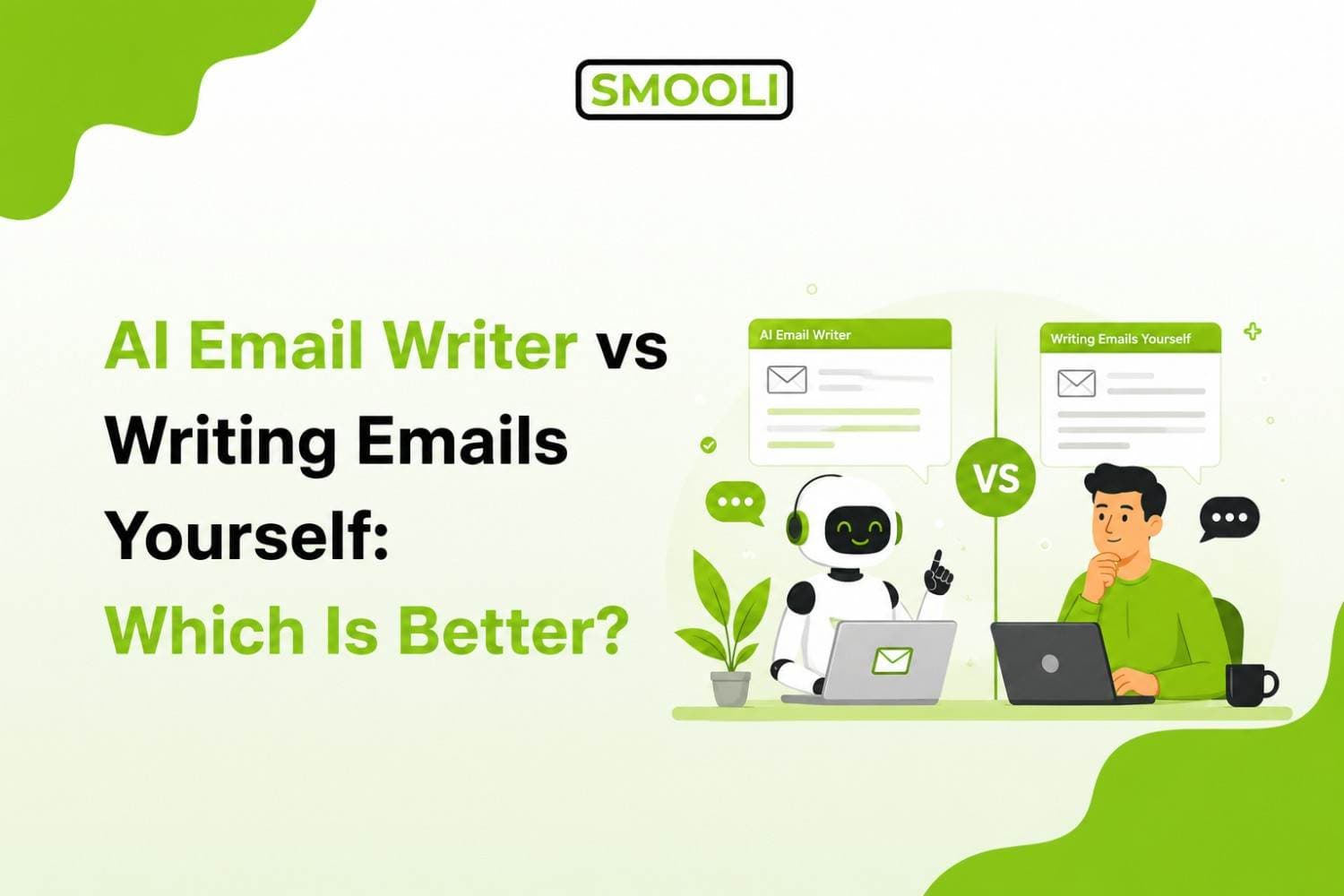
So, is an AI Email Writer better than writing emails yourself?
The answer depends on what you need. Smooli AI Email Writer is usually better when you want to save time, create a quick first draft, improve your wording, or write repetitive emails. Writing emails yourself can be better when the message requires a personal touch, emotional understanding, or detailed knowledge of the situation.
In most cases, the best approach is to combine AI with human judgment. AI can help you create and improve the draft, while you add your personal voice, check the details, and make the final message your own.
What Is an AI Email Writer?
An AI Email Writer is a tool that uses artificial intelligence to help create or improve email messages. Instead of starting with an empty email, you provide basic information about what you want to say. The tool can then turn your ideas into a structured email draft.
For example, you could enter:
Write a professional follow-up email for a client who has not responded to my proposal.
An AI email generator can use that instruction to create a draft with a subject line, greeting, main message, and closing.
Depending on the tool, AI can help with tasks such as:
- Writing emails from simple instructions
- Creating professional email drafts
- Rewriting existing emails
- Making emails shorter or clearer
- Changing the tone of an email
- Creating subject line ideas
- Writing follow-up emails
- Drafting business communication
- Creating cold email drafts
- Improving grammar and sentence structure
- Turning rough notes into a complete email
The main benefit is simple: AI can help you move from an idea to a usable email draft much faster. Modern AI email guidance also recommends treating AI as a drafting and editing assistant rather than removing human review completely. Clear instructions usually lead to better drafts, while the sender should still check the final message for facts, tone, and accuracy.
What Does It Mean to Write Emails Yourself?
Writing emails yourself is exactly what it sounds like, you sit down, think through what you want to say, and type it out word by word. No shortcuts, no software doing the heavy lifting. Just you, your thoughts, and your keyboard.
This approach has been the standard for decades, and for good reason. When you write an email yourself, you have full control over every word, every tone shift, and every detail. There's no risk of a tool misunderstanding your intent or missing important context that only you would know.
But it also comes with a cost of time, mental energy, and sometimes a lot of second-guessing over how a sentence sounds.
AI Email Writer vs Writing Emails Yourself: The Key Differences
Let's compare both approaches across the factors that actually matter when you're deciding which one to use.
1. Speed
An AI email writer can generate a complete, well-structured email in a matter of seconds. If you're writing dozens of emails a day, sales outreach, customer replies, internal updates, this speed adds up fast.
Writing emails yourself, on the other hand, takes real time. Even a short, simple email might take five to ten minutes once you factor in thinking about wording, checking for typos, and making sure the tone feels right. For longer or more sensitive emails, that time can easily double or triple. If speed and productivity are your top priorities, an AI email writer clearly wins here.
2. Quality and Structure
AI email writers can create clear, well-organized, and grammatically correct emails. They can help you start the email, explain your main point, and end with a clear call to action. This can be especially helpful if you are not confident in your writing skills.
However, writing an email yourself gives you more control over personal details and context. You understand your relationship with the recipient, previous conversations, and small details that an AI tool may not know unless you provide them.
The best approach is to use both. Let an AI Email Writer create a strong first draft, then edit it to add your own words, details, and personal style.
3. Personalization
This is where things get interesting. A lot of people assume AI-generated emails feel robotic or generic, but that's not always true anymore. Good AI email writers can factor in the recipient's name, their role, previous interactions, and even the tone of your brand voice to create emails that feel personal.
Still, if you're writing to someone you know really well, a close colleague, a long-term client, or a personal contact, writing it yourself might feel more natural and genuine, since you already know exactly how to talk to that person.
For example, if you're sending cold outreach at scale, personalization becomes even more important, and this is exactly where AI tools shine. Many businesses now rely on AI to write cold emails that still feel human and targeted, without spending hours per email doing manual research and writing.
4. Consistency
If you send many emails every day, it can be difficult to keep the same tone and quality in every message. You may write a great email in the morning but send a rushed or unclear email later when you are tired.
An AI Email Writer can help you stay consistent. It can follow the same tone, style, and writing guidelines for each email, whether you are writing your first email or your fiftieth.
This is especially useful for businesses that want a consistent brand voice across customer emails, sales messages, and support replies.
5. Cost
Writing emails yourself is free in terms of money, but it still takes your time. This can become costly for business owners, marketers, sales teams, and anyone who sends many emails every day.
Many AI email writers offer paid plans or subscriptions. However, Smooli's AI Email Writer lets you write emails for free, making it a useful option if you want to save time without adding another subscription to your budget.
Instead of spending several minutes writing every email from scratch, you can use Smooli to create a quick draft and then personalize it before sending. This can help you save both time and money while keeping your emails clear and professional.
6. Learning Curve
Writing emails yourself does not require learning a new tool. You already know how to write, so you can start immediately without any setup or instructions.
An AI Email Writer may take a little time to learn. You need to know how to give clear instructions, choose the right tone, and edit the result to match your style.
However, most AI email tools are easy to use. After trying them a few times, you can usually get comfortable with the process and start creating emails much faster.
The Best Approach: Combine AI With Human Writing
Instead of asking whether AI or humans are better at writing emails, ask: Which part of the email writing process should AI handle, and which part should I handle?
This question leads to a much more practical workflow.
Step 1: Decide What You Want to Say
Start with your goal.
Ask yourself:
What should the recipient understand or do after reading this email?
This gives your email a clear purpose.
Step 2: Give AI the Important Context
Tell the AI:
- Who the recipient is
- Why you are contacting them
- What you want
- Important details
- Desired tone
- Preferred length
The more useful context you provide, the more relevant your draft can become.
Step 3: Generate the First Draft
Use an AI Email Writer to turn your notes into an organized email. Smooli's AI Email Writer is designed to help users generate email content and responses, making it useful when you need help getting a message started or want to speed up routine email writing.
Step 4: Read the Email Yourself
Do not immediately send the AI-generated draft. Read it as if you were the recipient.
Ask:
- Does it sound like me?
- Is the purpose clear?
- Is anything unnecessary?
- Are the facts correct?
- Is the tone appropriate?
- Is the call to action clear?
Step 5: Add Your Personal Touch
This is where human writing becomes important. Add details that make the email relevant to the recipient. Remove generic sentences. Change words that do not sound like you.
Step 6: Proofread Before Sending
Finally, check:
- Recipient
- Subject line
- Names
- Dates
- Numbers
- Links
- Attachments
- Grammar
- Tone
- Call to action
Then send the email.
How Can an AI Email Writer Help With Cold Emails?
Writing cold emails can be challenging because you need to get the reader's attention without sounding too salesy or generic. An AI Email Writer can make this process easier by helping you create a clear and personalized first draft.
You can use AI to help with:
- Cold email subject lines that encourage opens
- Opening lines that quickly grab attention
- Value propositions that explain why your offer matters
- Personalization ideas based on the recipient
- Follow-up emails for people who do not respond
- Calls to action (CTAs) that encourage the next step
- Different email versions to test different approaches
However, AI should not make your cold emails completely automated. A generic email is easy to ignore, especially when the recipient receives many similar messages. A good cold email should be short, relevant, personalized, and focused on the recipient's needs. Use AI to save time and improve your draft, but always review the message and add real details before sending it. If you want to learn more, check out Smooli's guide on how to use AI to write cold emails. It explains how to create better prompts, personalize AI-generated emails, write shorter messages, and avoid common cold email mistakes.
Common Myths About AI Email Writers
Let's clear up a few misconceptions that stop people from trying AI email writers in the first place.
Myth 1: "AI emails always sound robotic"
This used to be somewhat true with early tools, but modern AI email writers are trained to sound natural and conversational. With the right prompt and a bit of editing, most people can't tell the difference between an AI-assisted email and a fully human-written one.
Myth 2: "AI will replace human communication completely"
AI is a tool, not a replacement for human judgment. It helps you write faster and reduces mental effort, but it still needs your input, context, and final review to work well.
Myth 3: "Using AI means you're lazy"
Using AI to save time is no different than using spellcheck, templates, or any other productivity tool. It's about working smarter, not about avoiding effort altogether.
Myth 4: "AI email writers are too complicated to use"
Most tools today are designed with simplicity in mind. You type a short prompt, choose a tone, and get a draft, no technical skills required.
Frequently Asked Questions
1- What is an AI Email Writer?
An AI Email Writer is a tool that uses artificial intelligence to create, rewrite, or improve email messages based on your instructions and context.
2- Is it better to use AI or write emails yourself?
AI is useful for speed, structure, and repetitive emails, while manual writing provides greater personal control. Combining both is often the most effective approach.
3- Can AI write professional emails?
Yes. AI can create professional email drafts, but you should review and personalize them before sending.
4- Can an AI Email Writer save time?
Yes. It can help you create first drafts, rewrite messages, generate subject lines, and adjust tone more quickly than starting from a blank page.
5- Can AI write cold emails?
Yes. AI can help create cold email drafts, subject lines, personalization ideas, and follow-ups. However, you should provide real context and review the final message before sending.
6- How do I make AI emails sound more human?
Give the AI specific context, ask for simple language, avoid generic phrases, keep the message concise, and add your own personal details during editing.
Final Verdict: Which Is Actually Better?
The honest answer is it depends on the situation. For everyday emails, an AI Email Writer can give you a clear advantage by helping you save time, improve consistency, and reduce the effort of writing from scratch. It can be especially useful for sales outreach, customer support replies, follow-up emails, and other routine business communication.
The best approach is not to choose one over the other. Instead, use an AI Email Writer to create a strong first draft, then add your personal touch before sending it. This gives you the best of both worlds, the speed and convenience of AI with the authenticity and judgment of human writing.