
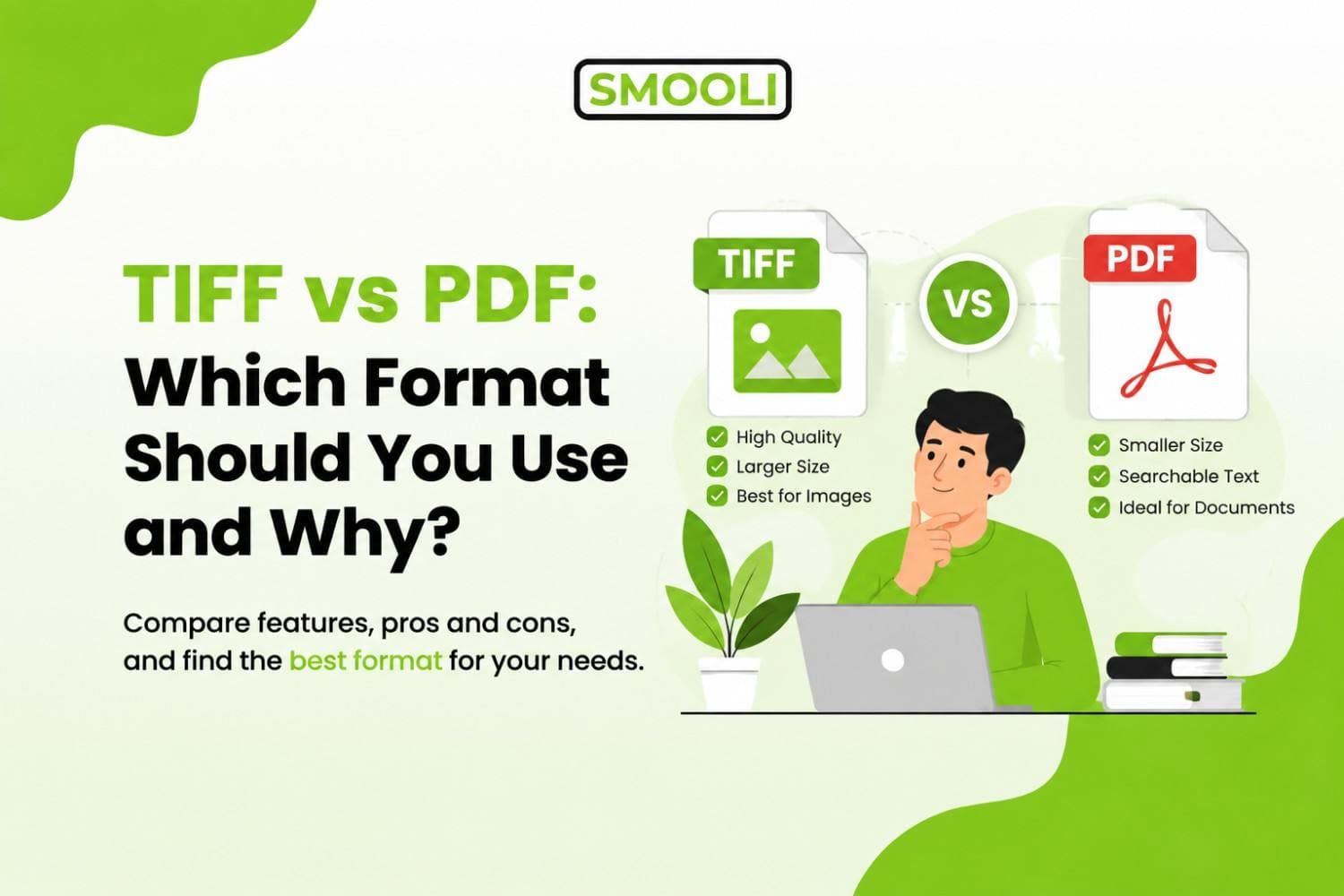
When choosing a file format for documents or high-quality images, TIFF vs PDF is a common comparison. Both formats can store visual information at high quality, both are widely supported, and both are frequently used for scanning, printing, archiving, and professional work. However, TIFF and PDF are built for different purposes.
The short answer: TIFF is usually the better choice when you need a high-quality raster image for scanning, professional printing, image editing, or preserving image detail. PDF is generally better for documents that need to be shared, viewed, searched, printed, signed, or stored conveniently.
For most everyday documents, PDF is the more practical format. For professional image-based workflows where quality matters more than file size or convenience, TIFF can be the better option.
In this guide, we will compare TIFF vs PDF quality, file size, printing, scanning, archiving, editing, and compatibility so you can confidently choose the right format. If you need to convert files between formats, you can also use our PDF to TIFF converter to easily transform PDF documents into high-quality TIFF images.
TIFF vs PDF: Quick Comparison
Here is a quick look at the main differences between TIFF and PDF.
| Feature | TIFF | |
|---|---|---|
| Full name | Tagged Image File Format | Portable Document Format |
| Main purpose | High-quality raster images | Documents and file sharing |
| Image quality | Excellent | Excellent, depending on compression |
| File size | Usually larger | Usually smaller |
| Text searchability | Usually not searchable by itself | Can contain searchable text |
| Multiple pages | Supported | Supported |
| Image editing | Excellent | Limited compared with TIFF |
| Document sharing | Less convenient | Excellent |
| Professional printing | Excellent | Excellent |
| Scanned documents | Excellent for image masters | Excellent for readable documents |
| Forms and hyperlinks | No practical document support | Yes |
| Digital signatures | Not typically used | Supported |
| Accessibility features | Limited | Can support tagged accessibility |
| Longterm-archiving | Good for image-based archives | PDF/A often used for documents |
| Best for | Images, scans, publishing | Documents, sharing, office work |
What Is a TIFF File?
TIFF stands for Tagged Image File Format. It is a raster image format designed to store detailed, high-quality images. Unlike formats that aggressively reduce image size, TIFF can preserve a large amount of visual information. TIFF files can be stored without compression or with lossless compression methods, which makes the format useful when maintaining image quality is important.
TIFF is commonly used for:
- Professional photography
- Document scanning
- Publishing
- Graphic design
- High-resolution printing
- Medical imaging
- Legal document scanning
- Historical document preservation
- Image editing
- Digital archiving
One major advantage of TIFF is its ability to maintain image quality through professional workflows. For example, if an organization scans an old paper document and wants to preserve the highest-quality digital image possible, TIFF may be selected as the archival master. The disadvantage is that this quality can result in much larger files.
A high-resolution TIFF document may take considerably more storage space than an optimized PDF containing the same visible page.
What Is a PDF File?
PDF stands for Portable Document Format, and it was created by Adobe in the early 1990s to solve a very specific problem: how do you share a document so it looks exactly the same no matter what device, operating system, or software someone opens it with? Unlike TIFF, a PDF isn't just an image, it's a container format. A PDF can hold text, vector graphics, raster images, hyperlinks, form fields, digital signatures, and even embedded fonts, all bundled into one file.
Key characteristics of PDF include:
- Universal compatibility: PDFs open the same way on Windows, Mac, Linux, phones, and tablets, and almost every browser can display them without extra software.
- Smaller file sizes: Thanks to smart compression, PDFs are usually far smaller than TIFF files, especially for text-heavy documents.
- Searchable and selectable text: If a PDF is created from a text source (not a scanned image), the text inside it can be searched, copied, and even edited.
- Interactive features: PDFs support hyperlinks, bookmarks, form fields, annotations, and password protection.
- Print-ready and screen-friendly: PDFs are designed to look consistent whether you're viewing them on a screen or printing them on paper.
This is why PDF has become the standard for contracts, invoices, reports, e-books, resumes, and pretty much any document meant to be shared or read by other people.
What Is the Main Difference Between TIFF and PDF?
The main difference between TIFF and PDF is how they store information. TIFF is mainly an image format, while PDF is a document format that can contain text, images, graphics, fonts, and more. Think about scanning a printed page. When you save the scan as a TIFF file, it is stored as a high-quality image of the page. The text in the image is not usually searchable or editable.
A PDF can also contain a scanned image, but it can include an OCR text layer. This allows you to search, select, and sometimes copy text from the document. In simple terms, TIFF is better for preserving high-quality images, while PDF is more useful for sharing, reading, and working with documents.
TIFF vs PDF: Which One Should You Use?
Let's go deeper into the practical scenarios where each format makes more sense.
When You Should Use TIFF
1. Professional Photography and Print Design: If you're a photographer editing high-resolution images in Photoshop or Lightroom, or a designer preparing artwork for a professional print run, TIFF is often the preferred format. It preserves every bit of detail without compression artifacts, which matters when your work is going to be printed at large sizes or examined closely.
2. Medical and Scientific Imaging: X-rays, MRIs, and other diagnostic images are frequently stored as TIFF files because doctors and researchers need pixel-perfect accuracy. Losing even a small amount of detail through compression could affect a diagnosis.
3. Document Scanning and Archiving: Many businesses and government agencies use TIFF for long-term document archiving because it's an uncompressed, stable format that won't degrade over time or through repeated saving.
4. Fax and Legacy Systems: Older fax machines and some enterprise document management systems still rely on TIFF because of its long-standing support for multi-page scanned documents.
When You Should Use PDF
1. Sharing Documents With Others: If you need to send a resume, contract, invoice, or report to someone, PDF is almost always the right choice. It keeps your formatting intact and opens instantly on any device without needing special software.
2. Digital Signatures and Forms: PDFs support fillable form fields and digital signatures, making them the standard for legal documents, applications, and business agreements.
3. Reducing File Size for Email or Upload: Since PDFs compress much better than TIFF, they're far easier to email, upload to a website, or attach to an online application, especially when there's a strict file size limit.
4. Searchable, Text-Based Documents: If your document contains text that people need to search, copy, or highlight, PDF (created from a text source or processed with OCR) is the better option.
5. Publishing and Distribution: E-books, whitepapers, brochures, and manuals are almost always distributed as PDFs because the format is universally supported and looks the same across every screen.
Which Should You Choose for Maximum Image Quality?
Choose TIFF when preserving raster image quality is the main priority. Choose PDF when you need good visual quality combined with easier sharing, smaller files, text features, or document functionality.
Can You Convert Between TIFF and PDF?
Yes, and this is actually one of the most common tasks people run into. A business might scan hundreds of pages into TIFF files for archiving, but then need a single, shareable PDF to send to a client. Or the opposite, a legal team might receive a scanned PDF and need to pull individual pages out as high-resolution TIFF images for closer review. Converting between the two formats doesn't have to be complicated. You don't need expensive software or a graphic design background, a free online tool can handle it in seconds.
If you need to go from a PDF to a high-quality image format, you can use Smooli's PDF to TIFF converter to turn your PDF pages into TIFF images instantly, without installing anything or creating an account. It's especially useful when you need to archive scanned documents, prepare files for print, or extract high-resolution images from a PDF report.
And if you're not sure how the conversion process actually works step by step, this guide on how to convert a PDF to a TIFF file for free walks you through the whole process in plain language, so you can get it done correctly the first time.
TIFF vs PDF Frequently Asked Questions
Is TIFF Better Quality Than PDF?
TIFF is often preferred for high-quality raster image storage because it supports lossless workflows and can retain detailed image data. However, PDF can also contain high-resolution images. The actual quality depends on the source file, resolution, compression, and export settings.
Why Are TIFF Files So Large?
TIFF files are often large because they can store high-resolution raster data using lossless compression or no compression. This preserves more image information but requires additional storage.
Does converting TIFF to PDF reduce quality?
Not necessarily. A good conversion tool can embed the TIFF image into a PDF without noticeable quality loss, especially if you choose lossless or high-quality compression settings during conversion. Quality loss usually only becomes visible if the PDF is heavily compressed to shrink file size.
Can PDF Have Multiple Pages?
Yes. Multi-page support is one of PDF's main strengths. A single PDF can contain a large number of pages while remaining easy to navigate and share.
Final Thoughts: TIFF vs PDF
There is no clear winner in the TIFF vs PDF comparison because both formats are made for different purposes. TIFF is a better choice when image quality and detail are important, such as for scanning, printing, and professional images. PDF is better when you need easy sharing, smaller file sizes, and broad compatibility, such as for contracts, reports, and everyday documents.
The good news is that you don't have to choose just one format. You can convert TIFF to PDF or PDF to TIFF whenever your needs change. Free online tools can make the conversion quick and easy.
If you need to convert your files, visit Smooli.ai You can find free and easy-to-use file and media converters, including a PDF to TIFF converter, along with other tools that help make everyday digital tasks faster and easier.