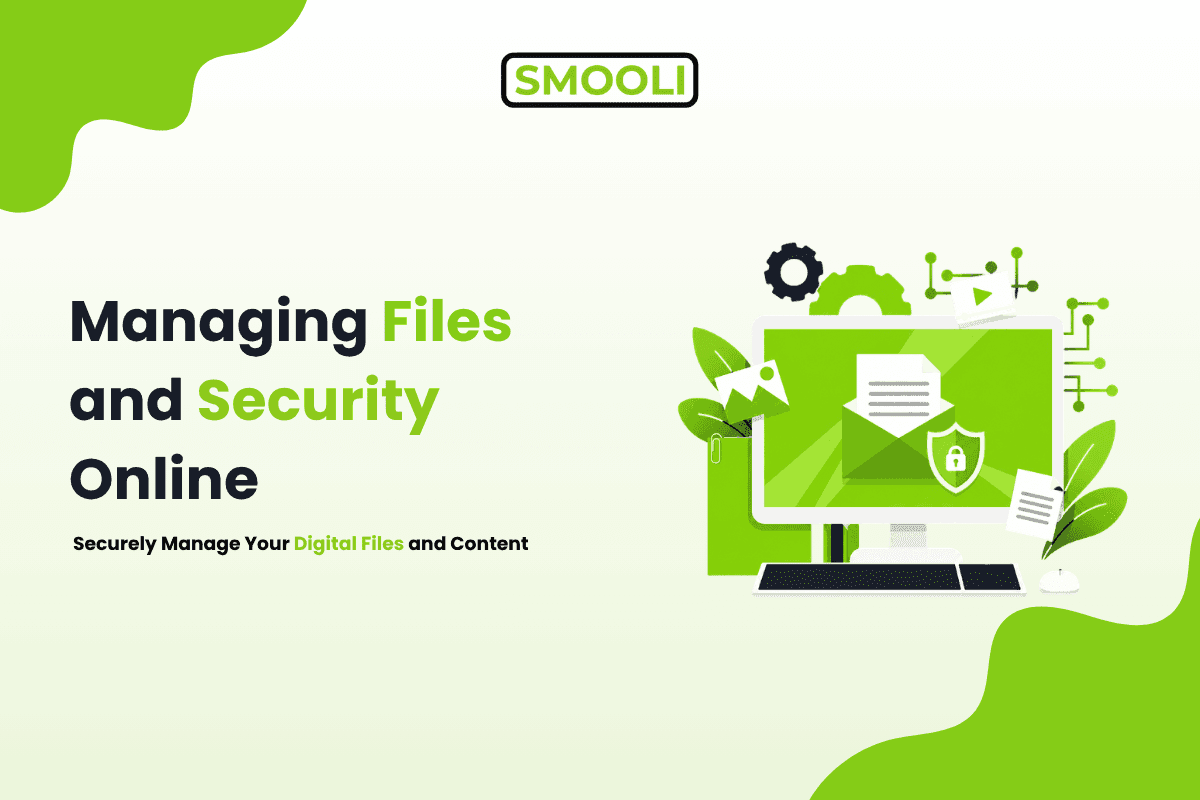
Managing your digital life today can feel overwhelming. Files are scattered across different platforms, content is created and stored in multiple tools, and security risks are constantly evolving. Whether you are a freelancer, business owner, or student, staying organized online is no longer optional; it is essential.
With the rise of remote work, cloud computing, and Al-powered tools, the ability to manage files, content, and security efficiently directly affects productivity and peace of mind. By building a structured system and using the right technologies, you can simplify your workflow, reduce errors, and protect your data.
Common Challenges in Online Management
Many individuals and teams struggle not because of a lack of tools, but because of how those tools are used. Files often become disorganized over time, especially when there is no consistent naming system. Content gets duplicated or lost across platforms, making collaboration harder. At the same time, security is frequently overlooked until a problem arises.
Some of the most common issues include:
- Poor file naming and scattered storage
- Multiple versions of the same content
- Weak passwords and unsafe sharing practices
- Over-reliance on too many disconnected tools
These challenges lead to wasted time, confusion, and increased risk.
Smart File Management Strategies
Effective file management starts with structure. Instead of saving files at random, it is important to create a logical system that scales as your work grows. A clear folder hierarchy organized by project, client, or function helps ensure that every file has a defined place.
Using consistent naming conventions also makes a significant difference. For example, including dates or version numbers in file names helps you quickly identify the latest version without opening multiple files.
Cloud storage plays a key role in modern file management. It lets you access your files from anywhere while keeping everything in sync across devices. This reduces dependency on a single device and adds an extra layer of backup.
Efficient Content Management Practices
Content management is not just about creating content; it is about managing its entire lifecycle. When content is scattered across different tools, it becomes difficult to track progress or maintain consistency.
A better approach is to centralize content creation. Keeping all drafts, edits, and final versions in one place ensures that everyone involved in the process is working with the same information. This reduces duplication and improves collaboration.
Al tools are increasingly playing an important role in content management. They can assist with generating ideas, improving readability, and optimizing content for search engines.
Strengthening Online Security
Security is a critical part of managing your digital environment. Without proper safeguards, even the most organized system can become vulnerable. Leveraging AI security tools adds an extra layer of protection by detecting threats in real time and automating responses.
Strong authentication is the foundation of online security. This includes using unique passwords for each account and enabling two-factor authentication wherever possible. These steps significantly reduce the risk of unauthorized access.
Access control is another important factor. Not everyone needs full access to every file or system. Assigning roles such as viewer, editor, or administrator helps limit exposure and protect sensitive data.
All-in-One Platforms: The Future of Efficiency
Managing files, content, and security across multiple tools can quickly become inefficient. Switching between platforms not only wastes time but also increases the chances of errors and data fragmentation.
All-in-one platforms are designed to solve this problem by integrating multiple functions into a single system. Instead of relying on separate tools for file management, content creation, and security, users can handle everything in one place.
This approach simplifies workflows and improves consistency. It also makes it easier to maintain security, since all data is managed within a unified environment. Platforms such as Smooli AI are built around this concept, offering a combination of tools that support productivity without unnecessary complexity.
Best Tools to Streamline Your Workflow
Choosing the right tools is essential for maintaining efficiency. Instead of focusing on quantity, it is better to prioritize solutions that align with modern online productivity and digital tools strategies.
Al writing tools, for example, can assist with generating and refining content, reducing the time spent on manual writing. File management utilities help handle different formats, compress files, and organize storage. Productivity and SEO tools improve visibility and automate repetitive tasks.
Pro Tips for Maximum Productivity
Maintaining efficiency requires consistent habits. Small improvements in your daily workflow can lead to significant long-term benefits.
Some practical tips include:
- Automate repetitive tasks whenever possible
- Regularly review and clean your file storage
- Keep your toolset minimal and focused
- Maintain secure backups of important data
In addition to these steps, it is important to periodically evaluate your system. As your work evolves, your processes should adapt to remain effective.
Al-Powered Workflow Optimization
Managing digital tasks across multiple tools can slow down productivity and create unnecessary complexity. Modern Al-powered platforms address this challenge by combining file management, content creation, and security features into one unified system, making it easier to stay organized and efficient.
Smooli Al is an all-in-one platform built around this approach. It brings essential tools for managing files, content, and productivity into a single environment, helping users streamline workflows, reduce reliance on multiple apps, and handle their digital tasks more effectively.
Conclusion
Managing files, content, and security online efficiently is not about using more tools it is about using the right systems. By organizing your files, streamlining your content workflow, and strengthening your security practices, you can create a more productive and reliable digital environment.
In today's fast-paced digital landscape, simplicity and integration are key. Reducing complexity and adopting smarter solutions allows you to focus on meaningful work instead of managing scattered systems.
Frequently Asked Questions (FAQs)
What is the best way to manage files online efficiently?
The best way to manage files online is to use a structured folder system combined with cloud storage. Keeping files organized by category, using clear naming conventions, and enabling automatic backups ensures easy access and long-term efficiency.
How can I organize digital content more effectively?
You can organize digital content by centralizing it in one platform and following a consistent workflow. Maintaining clear stages such as drafting, editing, and publishing helps avoid confusion and ensures content remains up to date.
Why is online security important for file and content management?
Online security protects sensitive data from unauthorized access, loss, or misuse. Without proper security measures such as strong passwords, access control, and secure sharing, even well-organized systems can become vulnerable.
What tools help improve online productivity and file management?
Tools that combine multiple features, such as file management, content creation, and automation, are the most effective. All-in-one platforms reduce the need to switch between apps and improve overall workflow efficiency.
How can Al improve content and file management?
Al can automate repetitive tasks such as sorting files, generating content, and optimizing workflows. It helps save time, reduce manual errors, and improve overall productivity when used effectively.
How often should I review my file organization and security?
It is recommended to review your system at least once a month. Regular checks help remove unnecessary files, update permissions, and ensure your workflow remains efficient and secure.