The world is getting rapidly digitalized nowadays. Managing work tasks is a more daunting challenge than it ever was. Often, businesses, entrepreneurs, freelancers, and teams have a lot of responsibility, deadlines, and complex workflows to manage. Without structure, priorities can be easily lost, deadlines missed, and bottlenecks in productivity can occur.
That's where the productivity tools come in. These tools help individuals and organizations to plan tasks, optimize workflows, and improve productivity. As remote and hybrid work becomes the new normal, productivity tools are more important than ever to keep up performance and collaboration.
What is a Productivity Tool?
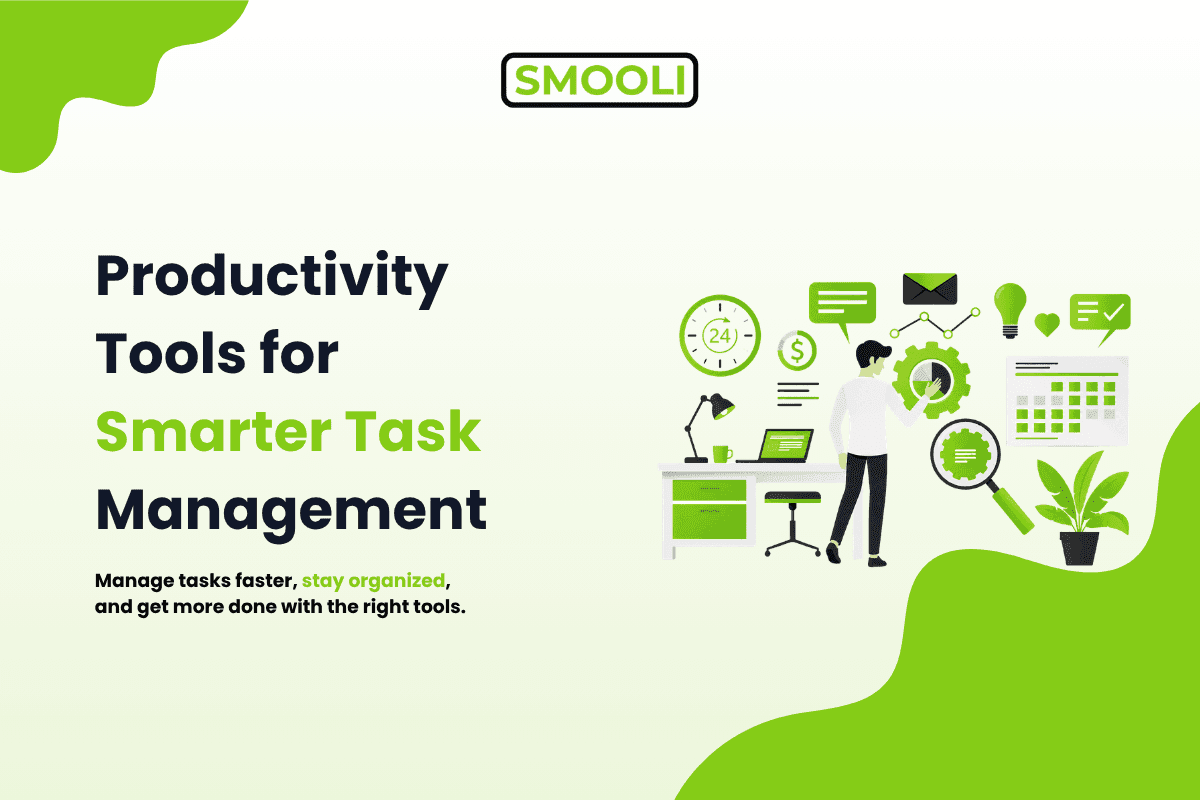
Productivity tools are digital tools that are used to help users organize their workflow, manage tasks, and improve productivity.
This allows you to run all of your work functions through one system as opposed to the traditional way of spreadsheets or multiple ways of communicating.
Often, they allow users to:
- Manage & Create your task
- Role Assignments
- Deadlines and priorities
- See it grow in real time
Productivity tools make complicated processes easier and cut down on manual labor. Get organized and stay focused easily.
The biggest benefits of productivity tools
Better task management
One of the nicest benefits of productivity tools is that they structure your work nicely. Divide large projects into smaller, manageable tasks to help you track progress and stay focused.
Tools such as visual boards, calendars, and others provide users with more visibility into their workload, so important things don't get missed.
More Effective Time Management
Time management is important to keep you productive. The productivity tools help users to plan their schedule better and to see where their time is spent.
The result is better prioritization, less distraction, and more getting things done.
Better collaboration
Team settings are a key to success in co-operation. Productivity tools allow teams to communicate, track progress, and share files in real time in a shared space.
This helps to ensure that everyone is on the same page and reduces the chances of miscommunication or delays.
Greater productivity & efficiency
One of the greatest things about modern productivity tools is that they are automated. Automate routine tasks like reminders, updates, and reporting, freeing users to do the more important work.
This allows teams and individuals to accelerate and improve results.
There is a range of productivity tools for task management.
Al Tools for Productivity & Automation
Al automation is created to take care of the boring stuff, like data entry, simple tasks, and maintaining operations, so users can focus on what matters more.
Doing things is also supported by Smooli Al productivity tools for content creation, idea generation, and workflow support.
Project Management Tools
Task management tools help you organize your day's work and get things done on time.
They're a neat and simple way to deal with responsibilities.
Most have. But:
- Make & Manage Assignments
- Due Dates & Reminders Status Updates To Do, Doing, Done
It makes it easier for you to keep track of your progress and organise your work.
Project Management Software
Project management tools are designed for more complex workflows with multiple team members and tasks, including timelines, milestones, and the management of resources.
These tools help teams to stay organized, meet deadlines, and track project progress.
Time Tracker App
Time tracking tools help individuals and teams understand how they spend their time on different tasks. This is particularly useful for efficiency improvements and for identifying areas where the use of time might be better.
Freelancers, remote workers, and companies that need to track productivity make wide use of them.
Collaboration and Communication Tools
Well, you need to be able to communicate well to get things done. They keep teams connected with messaging, video meetings, and file sharing.
They are especially important in remote and hybrid work environments where teams mainly communicate through digital channels.
How productivity tools help to make the workplace more productive
Productivity tools are a great way to boost your efficiency. They help you organize your daily tasks and make your workflow more efficient. Instead of planning, teams can focus on delivery when tasks are well-structured and progress is visible. The ultimate guide to productivity online & digital tools.
They also send reminders and notifications, so you are less likely to miss deadlines. managers get a real-time view of progress, can identify issues early, and are able to make better decisions.
They also built a singular system to store information, avoiding duplication of work and improving transparency between teams.
Top Productivity Tools Best Practices
The trick is smartly using productivity tools. First, find the right tools to fit into your workflow.
Here are some best practices to keep in mind:
- Use only a handful of tools at once
- Train your crew
- Integrate tools into current workflows
- Regularly review and optimize use
When you are focused and organized, productivity tools really do make things more efficient, not more complicated.
Typical problems
There are many pros to productivity tools, but there are also cons. One of the most common problems is the learning curve for new tools, which can reduce productivity temporarily.
Another problem is tool fatigue, where the need to use multiple platforms becomes confusing and inefficient. Another consequence of poor tool organization is that information can't be found when it is needed.
These problems can be minimised with good planning, training, and consistent application.
What's Next for Productivity Tools
The future of productivity tools will leverage advances in artificial intelligence and automation. Solutions like Smooli Al are becoming more effective at task prediction, workflow streamlining, and decision-making.
There's also better interoperability between tools, so different platforms can play nicely together. As remote work becomes more common, tools that help people collaborate and communicate in real time will be even more crucial.
Conclusion
And productivity tools have become a must for the efficient management of work tasks. They help people and teams get organized, manage their time better, and work better together.
When people have the right tools and know how to use the tools efficiently, they get more out of their workflows, reduce manual effort, and get more done in less time.
Frequently Asked Questions (FAQs)
1. Which productivity tools do you use to organize tasks?
Productivity tools are software that individuals and teams use to manage work, automate processes, track progress, and increase productivity.
2. How do productivity tools make the work easier?
They automate repetitive tasks, streamline workflows, help better manage time, and improve collaboration. It enables users to do things in a better and faster manner.
3. What types of productivity tools are there?
The primary categories include task management tools, project management tools, time tracking tools, communication tools, and Al-powered productivity tools.
4. How Al is impacting productivity apps
Al can automate processes, create content, analyze information, and make smart recommendations that make processes faster and better.
5. Do productivity tools work for remote teams?
Certainly, productivity tools help remote teams to collaborate in real-time, share updates, track tasks, and remain on the same page, irrespective of the location.