
Introduction:
Every time you visit a website, a process happens behind the scenes before the page appears on your screen. Whether you're opening Google, YouTube, Facebook, or your favorite online store, your browser first needs to find the correct server where that website is hosted. This is where a DNS lookup comes in.
You never see it happen. It takes only a fraction of a second. Yet every time you visit a website, a hidden process works behind the scenes to connect you to the right server.
Without it, you'd have to remember long strings of IP addresses instead of simple domain names like google.com or smooli.ai.
That process is called a DNS lookup.
In this guide, we'll break down exactly what a DNS lookup is, how it works step by step, the different types of DNS lookups, why they sometimes go wrong, and how to fix slow DNS lookups. We'll also show you how to check DNS records in seconds using our free DNS Checker tool.
Let's start with the basics.
What Is DNS Lookup?
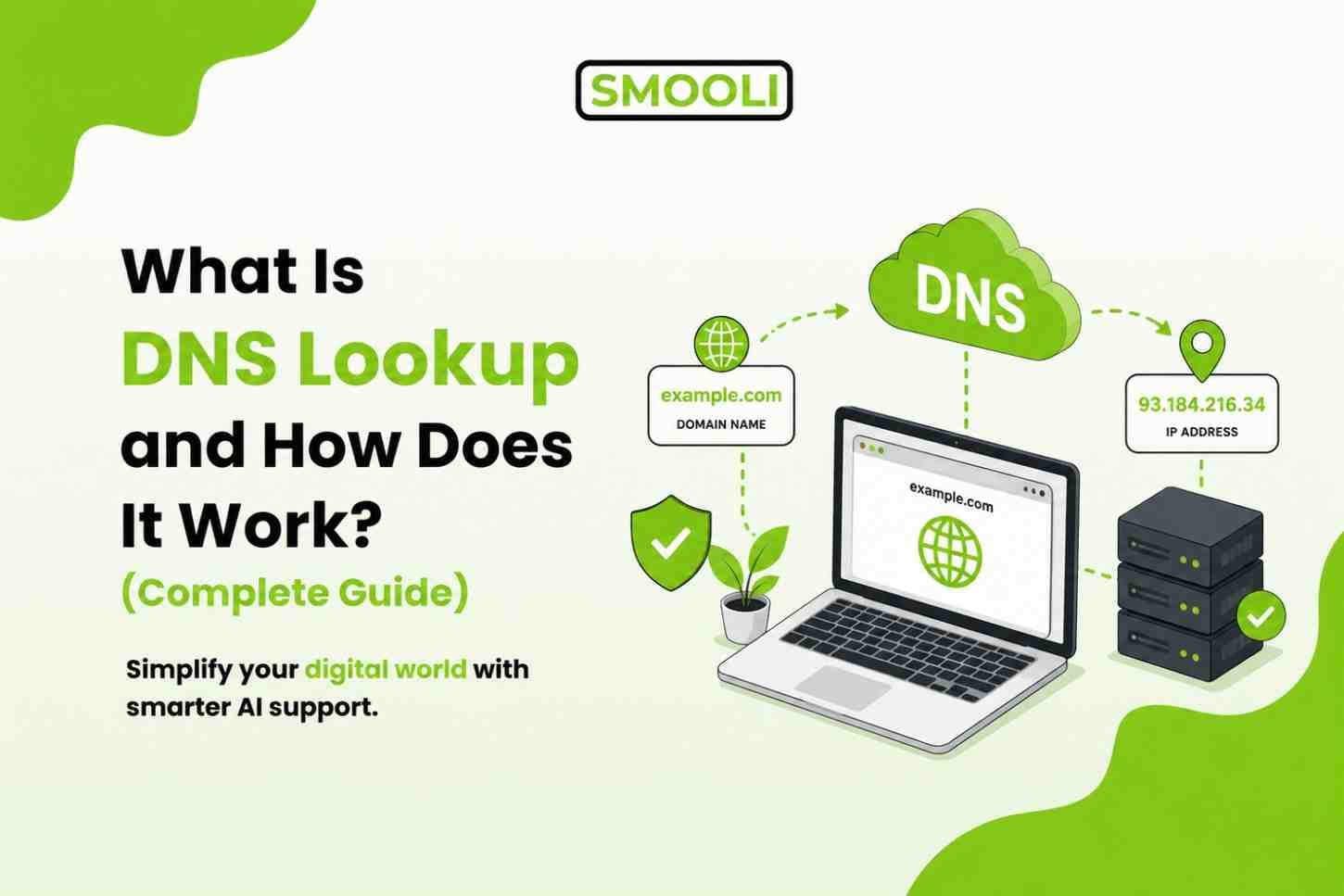
A DNS lookup is the process of finding the IP address of a domain name. DNS stands for Domain Name System, and "lookup" simply means the act of searching for and retrieving that information.
Here's the easiest way to understand it: humans are good at remembering names. Computers are good at working with numbers. DNS lookup is the translator that sits between the two.
When you type smooli.ai into your browser, your computer doesn't actually understand "smooli.ai." It needs a numeric address something like 192.168.100.24 to know exactly which server to contact. A DNS lookup is what fetches that numeric address for you, instantly, in the background.
Why Is DNS Lookup Important?
DNS lookup is essential because it makes the internet easy for everyone to use.
Imagine if every website required you to remember a long IP address instead of a simple domain name. Browsing the web would become frustrating and time-consuming.
DNS lookup solves this problem by automatically finding the correct server behind every website you visit.
Here are some of its biggest benefits:
Easy Website Access
Instead of memorizing complicated numbers, users only need to remember simple website names.
Faster Browsing
Modern DNS servers store recently visited records in a cache. This allows repeat visits to websites to load much faster.
Reliable Internet Communication
DNS lookup ensures that users are connected to the correct server every time they visit a website.
Better Website Management
Website owners can move their website to a different hosting provider without changing the domain name. They simply update the DNS records.
Supports Internet Services
DNS is used for much more than websites.
It also helps route:
- Email services
- Cloud applications
- APIs
- FTP servers
- VoIP services
- CDN networks
Without DNS lookup, none of these services would function properly.
How Does DNS Lookup Work? (Step by Step)
Let's break the process down into simple steps.
Step 1: You Enter a Domain Name
It starts the moment you type a URL, for example smooli.ai into your browser's address bar and hit enter.
Step 2: Your Browser Checks Its Own Cache First
Before reaching out to anyone, your browser checks whether it already knows the IP address from a recent visit. If it does, the lookup ends here instantly. If not, the request moves forward.
Step 3: The Request Goes to a DNS Resolver
If there's no cached answer, your device sends the request to a DNS resolver (also called a recursive resolver). This is often run by your internet service provider (ISP), though many people now use public resolvers like Google DNS or Cloudflare DNS for faster, more private results.
The resolver's job is simple: find the correct IP address on your behalf, wherever that answer lives.
Step 4: The Resolver Checks the Root Server
If the resolver doesn't already have the answer cached, it asks a root nameserver. The root server doesn't know the exact IP address, but it knows which server to point to next, based on the domain extension (.com, .ai, .org, etc.).
Step 5: The TLD Nameserver Takes Over
Next, the request goes to a Top-Level Domain (TLD) nameserver the server responsible for all domains ending in that particular extension, such as .com or .ai. This server points the resolver toward the domain's authoritative nameserver.
Step 6: The Authoritative Nameserver Responds
The authoritative nameserver is the final stop. It holds the actual DNS records for that specific domain and returns the correct IP address for the site you're trying to reach.
Step 7: The Resolver Sends the Answer Back
The DNS resolver takes that IP address and sends it back to your browser. It also stores (caches) the answer for a short time, so if you or someone else on the same network visits the site again soon, the lookup can be completed instantly, without repeating all these steps.
Step 8: Your Browser Connects to the Website
Finally, armed with the correct IP address, your browser connects directly to the web server and loads the page you asked for.
All of this from typing a URL to a page appearing on your screen - usually happens in a fraction of a second. That's the power of DNS lookup.
A Simple Real-Life Example of DNS Lookup
Imagine you want to call your friend Sarah, but you only know her name-not her phone number.
Here's what you do:
- Open your phone's contacts.
- Search for "Sarah."
- Find her phone number.
- Call her.
DNS lookup works in almost the same way.
- Domain name = Sarah's name
- IP address = Sarah's phone number
- DNS server = Your contacts list
Instead of remembering a long IP address like 192.0.2.1, you simply type example.com, and DNS finds the correct destination for you.
This is why DNS is often called the phonebook of the internet.
Types of DNS Lookup and Understanding DNS Information
Not all DNS lookups work in the same way. Depending on the query, DNS can search for different types of information.
The two most common types are:
- Forward DNS Lookup
- Reverse DNS Lookup
Let's understand each one.

1. Forward DNS Lookup
A forward DNS lookup is the most common type of DNS query. It converts a domain name into an IP address.
For example, when you enter: example.com
your browser asks the DNS server:
"What is the IP address of example.com?"
The DNS server responds with something like:
93.184.216.34
Your browser then connects to that IP address and loads the website.
2. Reverse DNS Lookup (What Is Reverse Lookup in DNS?)
A reverse DNS lookup works the opposite way. Instead of turning a domain name into an IP address, it turns an IP address into a domain name.
So if forward lookup answers "what's the IP address for this domain?", reverse lookup answers "what domain is linked to this IP address?"
Reverse lookups rely on a special kind of DNS record called a PTR (Pointer) record. Unlike forward lookup, not every domain sets up reverse DNS, it's optional, but strongly recommended for certain use cases.
Why Reverse DNS Lookup Is Important
Reverse DNS lookups are commonly used by:
- Email servers
- Security systems
- Network administrators
- Web hosting providers
- Cybersecurity professionals
Common DNS Records You Should Know
When people talk about "DNS information," they're usually referring to DNS records the actual data stored on a domain's nameservers. Here are the most important ones:
- A Record - Points a domain to an IPv4 address (the most common type of DNS record).
- AAAA Record - Points a domain to an IPv6 address.
- CNAME Record - Points one domain name to another domain name (an alias).
- MX Record - Directs email to the correct mail server for a domain.
- TXT Record - Stores text-based information, often used for domain verification and email security (SPF, DKIM, DMARC).
- NS Record - Lists the authoritative nameservers responsible for the domain.
- PTR Record - Used for reverse DNS lookup, linking an IP address back to a domain name.
- TTL (Time to Live) - Not a record type itself, but a value attached to every record that tells resolvers how long to cache that information before checking again.
Understanding these records makes it much easier to diagnose DNS issues, configure email correctly, or verify that changes to your domain have actually taken effect.
Common DNS Lookup Problems (And Why They Happen)
DNS server not responding
A DNS server not responding error occurs when the DNS resolver you're using is unavailable, overloaded, or temporarily unreachable. When this happens, your device can't translate a domain name into an IP address, preventing the website from loading even if it's online.
Incorrect DNS records
Incorrect DNS records such as a typo or misconfigured A, CNAME, or MX record-can send website visitors or email traffic to the wrong destination. Even a small configuration mistake can lead to downtime or email delivery issues.
DNS propagation delay
After updating your DNS settings, changes don't appear instantly across the internet. This process, known as DNS propagation, can take anywhere from a few minutes to 24-48 hours, depending on DNS caches and internet providers around the world.
Cache issues
Sometimes your browser, operating system, or local DNS resolver stores outdated DNS information. These cache issues can cause websites to display old content or generate connection errors even after DNS records have been updated.
ISP-level DNS problems
In some cases, the issue isn't with your website at all. Your internet service provider's (ISP) DNS resolver may be experiencing outages, delays, or synchronization problems, making websites appear inaccessible even though they're working correctly for other users.
Most DNS lookup problems can be diagnosed quickly by checking your domain's current DNS records and comparing them with the expected configuration using a DNS lookup tool.
How to Fix Slow DNS Lookup
A slow DNS lookup can make your entire internet connection feel sluggish, even if your actual internet speed is fine. Here's how to fix it, starting with the easiest solutions.
1. Switch to a Faster DNS Resolver
Your ISP's default DNS resolver is not always the fastest option. Public resolvers are often faster and more reliable:
- Google DNS: 8.8.8.8 and 8.8.4.4
- Cloudflare DNS: 1.1.1.1 and 1.0.0.1
Switching is usually a quick change in your device's or router's network settings.
2. Clear Your DNS Cache
An outdated local DNS cache can cause slow or incorrect lookups. Clearing it forces your device to fetch fresh, current information.
3. Reduce the Number of DNS Lookups Your Site Makes
If you manage a website, every external resource fonts, scripts, ad networks, tracking pixels, often triggers its own separate DNS lookup. The more of these your page loads, the slower it feels, even before any content appears.
4. Check for DNS Propagation Delays
If you've recently changed your domain's DNS settings (like switching hosting providers), give it time. Propagation can take up to 48 hours to fully complete across the internet.
5. Lower Your TTL Before Making Changes
If you're planning to update DNS records soon, lowering the TTL value in advance means future changes will propagate faster.
6. Use a DNS Checker Tool to Diagnose the Real Cause
Before making any changes, it helps to actually see what's happening with your domain's current DNS setup. This is where a free DNS checker tool by Smooli becomes useful, it lets you instantly view a domain's DNS records, confirm they're pointing to the right place, and catch misconfigurations before they cause bigger problems.
How to Use the Smooli.ai DNS Checker Tool
If you want to see a domain's DNS information right now without digging through technical settings, Smooli.ai's free DNS Checker does the entire job for you in a few seconds. It's built to give you a clean, instant view of any domain's DNS records and nameservers, no sign-up, no downloads, and no technical background needed.
Step-by-Step: How to Check DNS Records with Smooli
Go to the DNS Checker tool
Go to Smooli → DNS Domain Tools → DNS Checker in your browser to access the free DNS Checker tool.
Enter the domain name
Type the domain you want to check, such as example.com. You only need the domain name.
Run the DNS lookup
Click the Check or Search button. The tool will instantly perform a DNS lookup and retrieve the domain's current DNS records.
Review the results
Within seconds, you'll see a clear breakdown of the domain's DNS records, including record types such as A, AAAA, CNAME, MX, TXT, NS, and others, depending on the domain's configuration.
Compare the records
If you've recently changed your hosting provider, DNS provider, or email configuration, compare the displayed records with the values you intended to set. This helps identify missing, outdated, or incorrect DNS entries.
Check again after updates
After making DNS changes, run another lookup later to confirm the updates have propagated correctly. While many changes appear within a few hours, complete DNS propagation can take up to 24-48 hours.
That's all there is to it. A DNS Checker lets you verify DNS records in seconds without installing software or using command-line tools like nslookup or dig.
Frequently Asked Questions About DNS Lookup
What does a DNS lookup do?
A DNS lookup translates a domain name, such as example.com, into the IP address of the server hosting the website so your browser can connect to it.
What is DNS used for?
DNS (Domain Name System) is used to map human-readable domain names to IP addresses, making it possible to access websites, email servers, and other internet services without memorizing numeric addresses.
Why is my DNS lookup slow?
Slow DNS lookup is usually caused by an overloaded or distant DNS resolver, outdated cache data, too many external DNS lookups on a webpage, or ISP-level DNS issues.
Switching to a faster resolver like Google DNS or Cloudflare DNS often helps.
Why perform a DNS lookup?
A DNS lookup helps verify that a domain's DNS records are configured correctly, troubleshoot website or email issues, and confirm that recent DNS changes have propagated.
How do I perform a DNS lookup?
You can perform a DNS lookup using Smooli's DNS Checker by entering the domain name you want to check.
How do I tell if my DNS is hijacked?
Signs of DNS hijacking include unexpected website redirects, security warnings, incorrect DNS records, or websites loading differently across networks. Checking your DNS records against the expected values can help identify the issue.
Final Thoughts
DNS lookup might be invisible, but it's one of the hardest-working processes on the internet. Every website visit, every email, and every app connection depends on this quiet handshake between domain names and IP addresses happening correctly and quickly.
Understanding how DNS lookup works, forward and reverse lookups, DNS records, propagation, and common troubleshooting steps, puts you in a much better position to fix problems before they affect your website, email, or business.