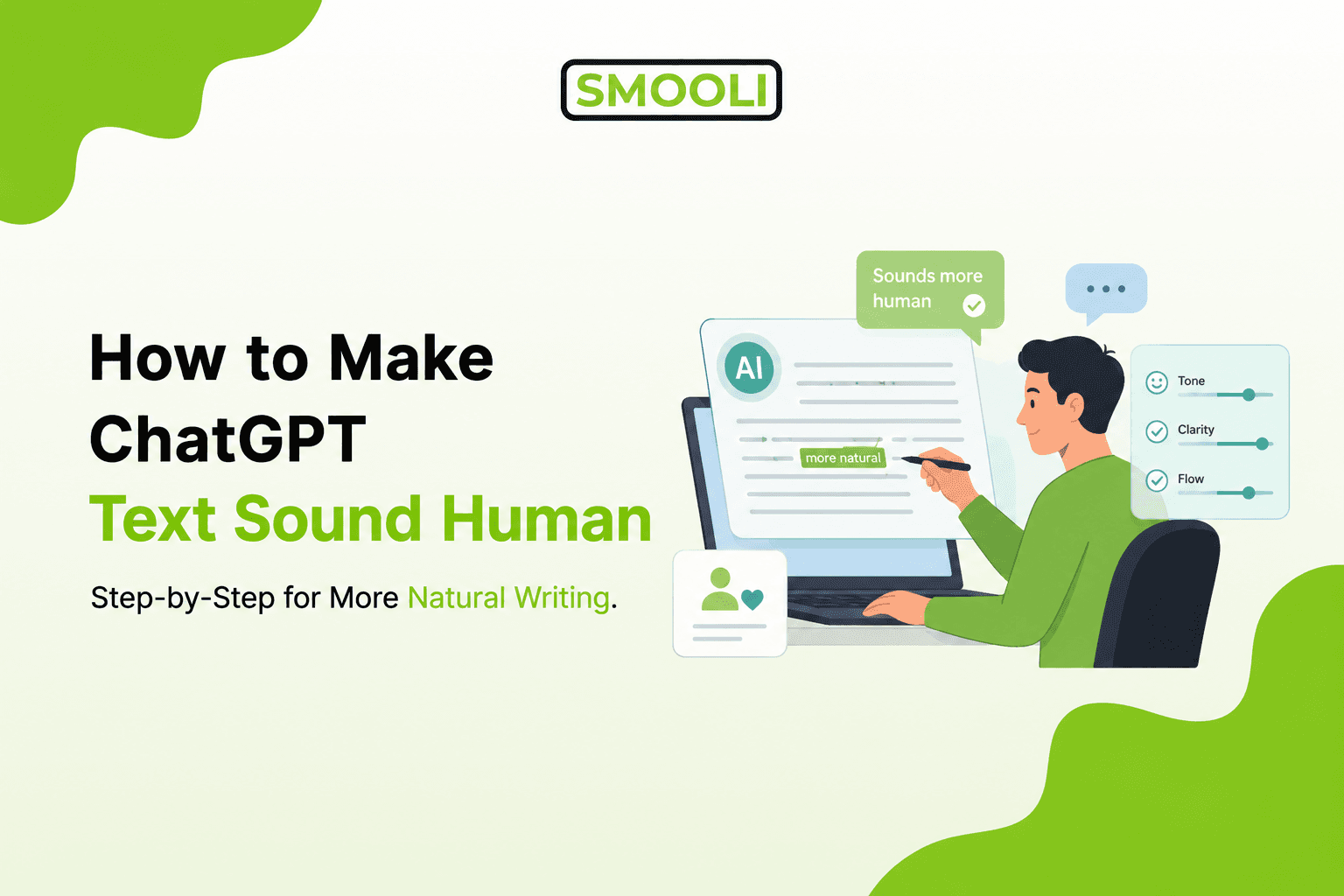
ChatGPT can write fast, but the first draft often has a familiar problem: it sounds too clean, too balanced, too polite, and too predictable.
That is not always bad. A clear draft is useful. But if you are writing a blog post, email, product page, LinkedIn post, essay, landing page, or client proposal, the text needs to feel like it came from a real person with a real point of view. Readers can sense when writing feels flat. They may not know exactly why, but they notice the lack of voice, detail, rhythm, and human judgment.
The simple answer is this: to make ChatGPT text sound human, do not only ask it to "humanize" the content. Give it context, guide the tone, add real details, remove predictable phrases, vary the rhythm, and edit the final version yourself.
This guide shows you the step-by-step process.
By the end, you will know how to turn a stiff Al draft into writing that sounds clearer, warmer, more specific, and more believable without making false claims or hiding poor-quality content.
First, Understand Why ChatGPT Text Often Sounds Robotic
ChatGPT usually tries to be helpful, complete, and safe. That often leads to writing that sounds polished but not personal.
The most common signs include:
- Repeated sentence patterns
- Overly balanced explanations
- Generic phrases
- Too many transitions
- Vague claims without examples
- Formal wording where simple wording would work better
- A tone that feels positive but not specific
For example, ChatGPT might write:
"Using Al tools can significantly enhance productivity by streamlining workflows and improving overall efficiency."
A more human version would be:
"Al tools can save time, but only when you know exactly what you want them to do."
The second version feels more natural because it is direct. It has a point. It does not try to sound impressive.
Mistake to avoid: Do not fix robotic writing by adding slang, random contractions, or intentional errors. Human writing is not messy by default. It is specific, purposeful, and shaped by real judgment.
Step 1: Start with a Clear Purpose Before You Ask ChatGPT to Write
Most Al text sounds weak because the prompt is too broad.
A vague prompt like "write a blog intro about Al tools" gives ChatGPT too much freedom. It will often choose a safe, generic angle. A better prompt explains the reader's goal, tone, and context.
Use this simple prompt structure:
"Write for [reader type] who wants [goal] but struggles with [problem]. The tone should be [tone]. Avoid [phrases/style]. Include [specific details]."
Example:
"Write for small business owners who want to use ChatGPT for emails but worry their messages sound robotic. Use a clear, practical, friendly tone. Avoid hype, buzzwords, and generic claims. Include one short example."
This gives ChatGPT a real direction. The output will still need editing, but it will start closer to the right voice.
Practical step: Before generating content, write one sentence that explains what the reader should think, feel, or do after reading.
Step 2: Give ChatGPT a Human Tone Brief, Not Just a Topic
A topic tells ChatGPT what to write about. A tone brief tells it how the writing should feel.
This matters because "human" means different things in different situations. A human-sounding legal explanation should not feel like a casual tweet. A human-sounding email to a client should not sound like a personal diary.
A useful tone brief can include:
- Reading level
- Sentence length
- Level of formality
- Emotional tone
- Words to avoid
- Example of the preferred style
Example prompt:
"Rewrite this in a clear, human tone. Use short paragraphs, natural sentence rhythm, and plain English. Keep the meaning. Remove generic Al phrases. Do not sound overly excited, formal, or salesy."
For longer projects, you can save these preferences in ChatGPT's custom instructions. That helps ChatGPT respond more consistently across future drafts.
Decision help: If the content is for a blog, aim for clear and educational. If it is for sales, aim for confident and specific. If it is for an email, aim for direct and respectful.
Step 3: Replace Generic Claims with Real Details
Generic writing is one of the fastest ways to make ChatGPT text sound artificial.
Al often writes statements like:
"Businesses can improve their results with better content."
That sentence is not wrong, but it is too broad. A human writer would usually explain what kind of business, what kind of result, and what kind of content.
Better version:
"A freelance marketer can get more replies by replacing a vague cold email with a short message that mentions the client's industry, pain point, and next step."
This works because it gives the reader something they can picture.
Use this editing question:
"Can the reader see what I mean?"
If the answer is no, add a detail, example, number, situation, or comparison.
Practical example:
Weak: "Al can help writers save time."
Better: "Al can help writers turn rough notes into a first draft, then spend more time improving the message instead of staring at a blank page."
The better version explains the real use case.
Step 4: Fix Sentence Rhythm So It Sounds Less Predictable
ChatGPT often writes in a smooth, even rhythm. Every sentence feels similar. Every paragraph feels balanced. That can make the writing feel machine-made.
Human writing usually has more variety. Some sentences are short. Some explain more. Some add emphasis. Some slow the reader down.
Compare this:
"ChatGPT can help users create content quickly. It can also improve productivity. However, users should edit the content carefully to ensure quality."
Now compare this:
"ChatGPT can help you draft faster. But speed is not the same as quality. You still need to check the meaning, sharpen the examples, and make sure the final version sounds like you."
The second version has more movement. It feels closer to how a person explains something.
Practical step: After generating text, scan each paragraph. If every sentence is similar in length, rewrite one sentence shorter and one sentence more specific.
Step 5: Remove Common Al Phrases That Make Writing Feel Empty
Many Al drafts use phrases that sound polished but do not add much meaning.
Watch for phrases like:
- It is important to note
- In conclusion
- This comprehensive guide
- In order to
- When it comes to
- It plays a vital role
- There are several factors to consider
- By understanding these concepts
Not every phrase is always wrong. The problem is overuse. These phrases often delay the point.
Example:
"By understanding these concepts, you can improve your ability to create more natural content."
Better:
"These steps help you write content that sounds more natural."
Shorter. Clearer. Stronger.
For a deeper explanation of natural Al writing patterns, Smooli Al also has a helpful guide on making Al content sound more natural.
Mistake to avoid: Do not only replace words. Rewrite the sentence so it says something clearer.
Step 6: Add a Point of View
Human writing usually has judgment. It tells the reader what matters, what to avoid, or what to do next.
ChatGPT often tries to cover every side equally. That can make the text feel safe but weak.
For example:
"Both manual editing and Al tools can be useful depending on the situation."
That is true, but it does not help much.
Better:
"Use Al for speed, but use manual editing for judgment. The best results usually come from combining both."
This gives the reader a clear decision.
You do not need to be controversial. You only need to be useful.
Ask these questions while editing:
- What is the real recommendation?
- What should the reader avoid?
- What would an experienced writer do here?
- What is the simplest next step?
Real-world application: In a blog post, add a clear recommendation. In a product page, explain who the product is best for. In an email, make the ask easy to understand.
Step 7: Use Examples Before You Use More Explanation
If a section feels boring, it may need an example.
ChatGPT often explains the idea first, then adds more explanation. Human-friendly writing often works better when it gives a quick example and then explains why it works.
Example:
Robotic version:
"Personalization is an essential factor in creating engaging communication because it allows the reader to feel recognized."
Human version:
"Instead of saying, 'I help companies grow,' say, 'I help local service businesses turn website visitors into booked calls.' The second line works because it names the audience and the outcome."
The example makes the lesson easier to understand.
Practical step: For every important writing tip, include a before-and-after example. This helps beginners learn faster and helps Al search engines understand the answer more clearly.
Step 8: Use an Al Humanizer Carefully, Then Review the Result
An Al humanizer can help improve flow, reduce stiff wording, and make text easier to read. It is useful when you already have a draft but want it to sound more natural.
Smooli Al Humanizer can support writers, marketers, students, freelancers, and business owners who want to improve Al-generated drafts without starting from scratch.
It is especially useful for rewriting stiff sections, improving readability, and making the final draft feel closer to natural human communication.
But the tool should not replace your own judgment.
Use this process:
- Generate or paste your draft.
- Humanize the text.
- Read the output yourself.
- Check meaning, facts, tone, and examples.
- Edit anything that does not sound like your voice.
This matters because humanizing is not only about changing words. It is about improving the reader's experience.
If you are comparing tools, this guide on Al humanizers vs paraphrasing tools can help you understand when to use each option.
Step 9: Do Not Confuse Humanizing with Hiding Low-Quality Writing
Some people try to make ChatGPT text sound human, only to pass Al detection tools.
That is the wrong goal.
The better goal is to make the content more useful, readable, and honest.
Al detection can be helpful as a quality signal, but it should not be treated as the final judge. A detector may flag natural writing, miss Al-generated writing, or produce different results across tools. That is why your editing process should focus on clarity, originality, and value.
Smooli Al's article on Al content detection explains why detection is better used as part of a review process rather than as a single yes-or-no answer.
Mistake to avoid: Do not add fake personal stories, false experiences, or made-up data just to sound human. That damages trust.
Step 10: Add Your Own Experience, Even If It Is Small
One of the best ways to make ChatGPT text sound human is to add something only you would know.
That could be:
- A client question you hear often
- A mistake you made
- A lesson from a real project
- A specific product detail
- A customer objection
- A personal preference
- A practical warning
Example:
Al draft:
"Editing is important because it improves content quality."
Human version:
"When I review Al drafts, the biggest issue is rarely grammar. It is usually that the draft sounds correct but says nothing new."
That sentence feels human because it includes judgment from experience.
You do not need a dramatic story. Even one practical observation can improve the whole piece.
Step 11: Read the Final Text Out Loud
This is one of the simplest editing steps, and it works.
When you read the text out loud, awkward sentences become easier to catch. You will notice where the writing sounds too formal, too long, or too perfect.
Look for these signs:
- You run out of breath before the sentence ends
- The same word appears too often
- The tone feels stiff
- The paragraph explains too much before making a point
- You would not say the sentence in a real conversation
Then rewrite the sentence in the way you would explain it to a smart beginner.
Example:
Too stiff: "This approach enables users to produce more relatable and engaging written communication."
Natural: "This approach helps your writing feel clearer and easier to connect with."
The meaning stays the same. The delivery improves.
A Simple Prompt to Make ChatGPT Text Sound More Human
Use this prompt when you already have a draft:
"Rewrite the text below so it sounds more natural and human. Keep the meaning, but improve clarity, flow, and tone. Use plain English, varied sentence length, and specific wording. Remove generic Al phrases, unnecessary hype, and stiff transitions. Do not add fake personal stories or unsupported claims. Make it sound like a helpful person explaining the topic clearly."
For a stronger result, add your audience:
"The audience is [describe reader]. They want [goal]. They are worried about [problem]."
Example:
"The audience is small business owners using ChatGPT for marketing content. They want practical writing help. They are worried their content sounds robotic."
This gives ChatGPT enough direction to improve the draft without changing the purpose.
Before-and-After Example: Turning Al Text into Human Text
Original Al-style version:
"ChatGPT is a powerful tool that can assist users in generating high-quality content across various formats. However, to ensure that the content resonates with readers, it is important to refine the tone, structure, and wording."
Human version:
"ChatGPT can help you write faster, but the first draft usually needs work. To make it worth reading, tighten the wording, add real examples, and make sure the tone fits your audience."
Why the human version works:
- It starts with a clear point
- It avoids vague praise
- It explains what to do next
- It uses plain language
- It sounds more direct
This is the editing standard to aim for. Not casual for the sake of being casual. Not messy. Just clear, specific, and useful.
Where Smooli Al Fits in the Writing Process
Smooli Al fits best after you already have a draft.
Use ChatGPT to brainstorm, outline, or create a first version. Then use editing judgment and helpful tools to improve the final content. Smooli Al can help users polish Al-generated text, review content quality, and make writing easier to read.
It is useful for:
- Bloggers are improving Al drafts
- Marketers are editing the landing page copy
- Students checking clarity
- Freelancers preparing client content
- Business owners writing emails or web pages
- Content teams reviewing large batches of Al-assisted writing
If you are new to this process, start by learning what an Al humanizer does. Then test it on a small paragraph before using it for a full article or page.
The best workflow is simple: use Al for speed, use Smooli Al for refinement, and use your own judgment for accuracy and trust.
Who Created This Guide and Why It Was Written
This guide was prepared from the perspective of the Smooli Al editorial team for readers who use Al writing tools but want better, clearer, more natural results.
The advice is based on practical SEO content strategy, Al-assisted writing workflows, readability editing, and user-focused content planning. The goal is not to make Al writing deceptive. The goal is to help readers improve clarity, reduce robotic phrasing, and publish content that feels useful to real people.
If you use ChatGPT for writing, the strongest results come when you treat it as a writing assistant, not the final author. Your examples, edits, judgment, and honesty are what make the content worth trusting.
Final Thoughts
Making ChatGPT text sound human is not about tricking people. It is about making the writing clearer, more specific, and more useful.
Start with a better prompt. Give ChatGPT a real audience and tone. Replace vague claims with details. Break predictable sentence patterns. Add examples. Remove empty phrases. Review the final draft yourself.
Tools like Smooli Al can help speed up the editing process, especially when you need to improve flow and readability. But the best final version still needs a human decision-maker.
The next time ChatGPT gives you a stiff draft, do not throw it away. Treat it as raw material. Shape it, question it, simplify it, and add the details only you can provide.
Frequently Asked Questions
How do I make ChatGPT text sound less robotic?
Make the prompt more specific, then edit the output for natural rhythm, plain language, real examples, and clearer opinions. Remove generic phrases and rewrite any sentence that sounds too formal or vague.
Can ChatGPT write like a real person?
ChatGPT can produce natural-sounding text, but it works best when you give it context, tone guidance, and examples. The final draft usually still needs human editing to sound personal and trustworthy.
What is the best prompt to humanize ChatGPT's writing?
A strong prompt asks ChatGPT to keep the meaning, use plain English, vary sentence length, remove generic Al phrases, avoid hype, and write for a specific audience. Adding the reader's problem makes the result better.
Should I use an Al humanizer for ChatGPT content?
Yes, an Al humanizer can help improve flow and reduce stiff wording. But you should still review the output for accuracy, tone, meaning, and originality before publishing.
Does making Al text sound human help SEO?
It can help if the final content becomes clearer, more useful, and better matched to search intent. Search performance depends on helpfulness, originality, structure, relevance, and trust, not just whether the text sounds human.
Can Al detection tools tell if content was written by ChatGPT?
Al detection tools can provide signals, but they are not perfect. Use them as one part of a review process, not as final proof. Always focus on quality, clarity, and honest content practices.
What should I avoid when humanizing Al text?
Avoid fake stories, unsupported claims, random slang, intentional grammar mistakes, and word-swapping without improving meaning. Human writing should feel clear and real, not forced or careless.